

Meta Description
Discover how AI browsers are transforming workplace productivity in 2026 by combining browsing, automation, research, and task management into one intelligent platform.
Why AI Browsers Are Becoming the New Workplace Operating System in 2026
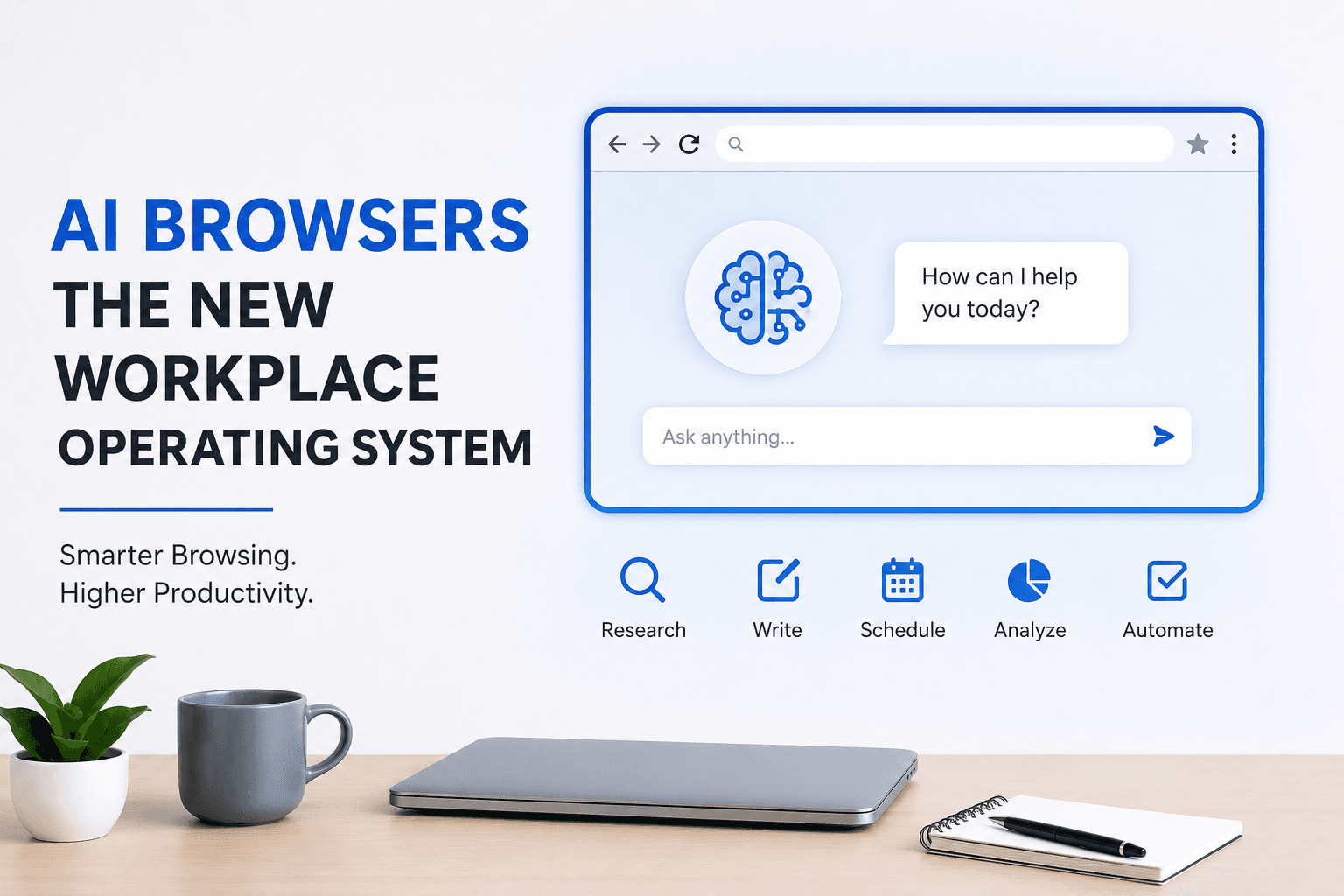
The web browser has long been the gateway to the internet, helping employees access websites, cloud applications, and online tools. In 2026, however, browsers are evolving into something much more powerful. Thanks to advances in artificial intelligence, AI browsers are becoming intelligent workplace platforms that assist users with research, content creation, scheduling, communication, and workflow automation.
Instead of simply displaying web pages, AI browsers can understand user intent, perform tasks across multiple websites, summarize information, draft emails, compare products, and automate repetitive work. This shift is changing how organizations operate and helping employees become more productive than ever before.
What Is an AI Browser?
An AI browser is a web browser enhanced with artificial intelligence that acts as a personal digital assistant. Rather than requiring users to manually switch between dozens of tabs and applications, it can understand requests and complete many tasks automatically.
For example, an AI browser can:
Research information across multiple websites
Summarize lengthy reports
Draft emails and business documents
Compare products and pricing
Organize meeting notes
Translate content instantly
Create presentations from research
Automate repetitive online tasks
This makes the browser more than just a tool for accessing the web—it becomes an intelligent workspace.
Why Businesses Are Adopting AI Browsers
Organizations are under constant pressure to improve efficiency while reducing costs. Employees spend a significant portion of their workday searching for information, copying data between applications, and completing repetitive online tasks.
AI browsers streamline these activities by combining browsing, automation, and AI-powered assistance in a single environment.
Instead of manually gathering information from several websites, users can ask the AI browser to collect, organize, and summarize everything within minutes.
Key Benefits of AI Browsers
Improved Productivity
Employees spend less time switching between applications and more time focusing on high-value work. AI browsers automate routine online activities and reduce unnecessary manual effort.
Faster Research
Business professionals can quickly gather information from trusted sources, receive concise summaries, and identify key insights without reading dozens of lengthy articles.
Smarter Collaboration
Many AI browsers integrate with workplace communication tools, allowing teams to share research, meeting notes, and project updates more efficiently.
Better Decision-Making
AI-powered analysis helps managers evaluate market trends, customer behavior, and competitive intelligence more quickly, supporting informed business decisions.
Enhanced Security
Modern AI browsers include advanced security features that detect phishing attempts, malicious websites, and suspicious downloads before they become serious threats.
Industries Benefiting from AI Browsers
Marketing
Marketing teams use AI browsers to analyze competitors, research keywords, generate content ideas, and monitor industry trends.
Finance
Financial professionals automate market research, prepare reports, and analyze investment opportunities with greater speed and accuracy.
Human Resources
HR departments use AI browsers to review resumes, summarize candidate profiles, and streamline recruitment workflows.
Sales
Sales teams research potential clients, prepare personalized outreach, and gather competitive insights without leaving the browser.
Education
Teachers, students, and researchers use AI browsers to summarize academic papers, organize references, and accelerate learning.
Challenges to Consider
Despite their advantages, AI browsers require responsible implementation.
Businesses should:
Verify AI-generated information before making important decisions.
Protect sensitive company data.
Train employees on responsible AI use.
Maintain strong cybersecurity practices.
Ensure compliance with data privacy regulations.
Human oversight remains essential for maintaining accuracy and accountability.
The Future of Workplace Technology
Industry analysts expect AI browsers to become the central workspace for many employees over the next few years. Rather than opening separate applications for research, writing, communication, and planning, users will increasingly rely on one intelligent browser capable of managing multiple tasks simultaneously.
As AI capabilities continue to improve, these browsers will become even more personalized, learning individual work habits and proactively assisting with daily responsibilities.
Businesses that adopt AI browsers early are likely to benefit from higher productivity, improved collaboration, and faster decision-making.
Conclusion
AI browsers represent the next evolution of workplace technology. By combining intelligent automation with traditional web browsing, they enable employees to work more efficiently while simplifying complex digital workflows.
As organizations embrace AI-driven productivity tools, the browser is no longer just a window to the internet—it is becoming the operating system for the modern workplace.
For more insights into artificial intelligence, business innovation, cybersecurity, and digital transformation, visit 1st4eBusiness for expert articles and the latest industry trends.