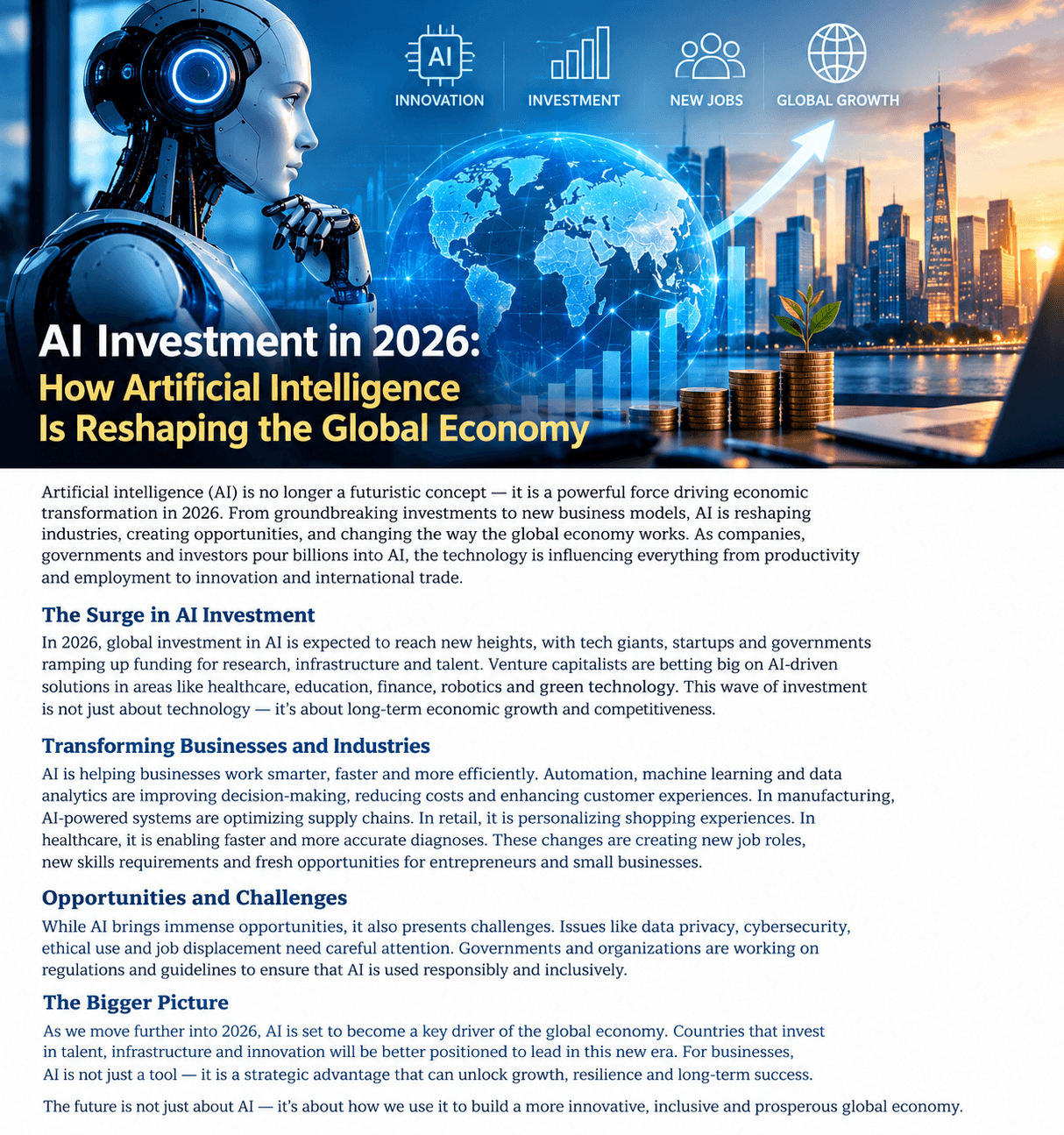
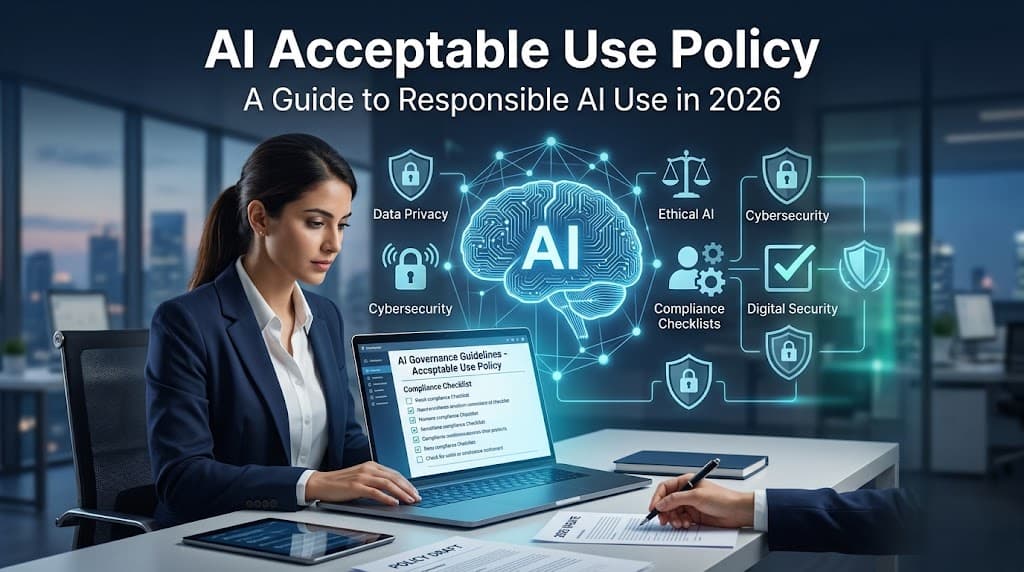
Artificial intelligence is becoming a daily productivity layer rather than just an experimental technology. In 2026, AI tools are helping people write, research, code, create images and videos, analyze information, automate repetitive work, and collaborate more efficiently.
Here are 10 categories and platforms of AI tools worth watching in 2026, along with how they can change the way people work.
1. ChatGPT
AI assistants have evolved into general-purpose work companions capable of helping with brainstorming, writing, analysis, coding, research, planning, and problem-solving.
For students, creators, professionals, and businesses, the biggest advantage is the ability to move from a blank page to a useful first draft much faster.
Best for: Writing, brainstorming, learning, analysis, coding, and everyday productivity.
2. Google Gemini
Google's Gemini ecosystem combines AI capabilities with Google's broader technology ecosystem.
Its integration across productivity and search-related experiences makes it particularly interesting for users who already rely heavily on Google services.
Best for: Research, productivity, multimodal tasks, and Google ecosystem users.
3. Claude
Claude is widely used for writing, document analysis, coding, and complex reasoning tasks.
Its ability to work with lengthy documents makes AI-assisted analysis particularly useful for professionals dealing with large amounts of information.
Best for: Long documents, writing, coding, and detailed analysis.
4. Microsoft Copilot
Microsoft is integrating AI directly into workplace software, making AI assistance available within familiar productivity workflows.
Instead of switching between multiple applications, users can increasingly access AI assistance while working with documents, presentations, spreadsheets, email, and other business tasks.
Best for: Workplace productivity and Microsoft 365 users.
5. Perplexity
AI-powered search tools are changing how people find and consume information.
Perplexity focuses on conversational search, allowing users to ask questions and receive synthesized answers with sources rather than simply receiving a traditional list of links.
Best for: Research, quick information discovery, and source-based answers.
6. GitHub Copilot
AI coding assistants are changing software development by helping programmers generate code, explain existing code, identify problems, and complete repetitive programming tasks.
For developers, the productivity opportunity can be significant when AI is used as an assistant rather than a replacement for technical judgment.
Best for: Programming, code completion, debugging, and software development.
7. Canva AI
AI-powered design features are making visual content creation accessible to people without advanced graphic-design skills.
Users can increasingly generate and modify presentations, graphics, social-media content, and other visual assets using natural-language instructions.
Best for: Social media, presentations, marketing graphics, and quick design work.
8. Adobe Firefly
Adobe is bringing generative AI into professional creative workflows.
AI-powered image generation and editing can help creators experiment with concepts, modify images, and accelerate parts of the creative process.
Best for: Professional design, image generation, editing, and creative workflows.
9. Runway
Generative video technology is developing rapidly, allowing creators to produce and manipulate video with AI-assisted tools.
This could have major implications for marketing, advertising, entertainment, education, and social-media production.
Best for: AI video creation, visual effects, and creative experimentation.
10. Notion AI
AI-powered workspace tools can help users summarize information, organize notes, generate drafts, and manage knowledge.
For teams, integrating AI directly into the workspace can reduce the time spent on routine documentation and information management.
Best for: Notes, documentation, project management, and team knowledge.
How AI Tools Are Changing Work in 2026
The biggest change isn't necessarily that AI can perform one specific task.
It's that AI can now assist with multiple steps of a workflow.
For example, a marketer could use AI to:
Research a topic.
Create an outline.
Draft an article.
Generate visual concepts.
Create social-media posts.
Analyze performance data.
Improve future content.
This makes AI increasingly valuable as a workflow assistant.
AI Is Moving From Chatbots to Agents
Another major development is the growth of AI agents.
Traditional AI tools generally wait for instructions. Agent-style systems can potentially break a larger objective into multiple steps and execute tasks with less continuous human intervention.
For businesses, this could mean AI systems handling parts of customer service, research, software development, administration, and data analysis.
AI Won't Eliminate Every Job
The impact of AI is likely to be more complicated than simply replacing humans.
Many jobs may instead change as workers use AI to automate repetitive tasks while spending more time on communication, decision-making, creativity, and strategy.
The valuable skill increasingly becomes knowing how to work effectively with AI.
How Students Can Use AI Tools
Students can use AI as a learning assistant rather than simply using it to produce assignments.
Useful applications include:
Explaining difficult concepts
Creating practice questions
Summarizing study material
Checking understanding
Brainstorming ideas
Practicing languages
Learning programming
Creating revision plans
The most effective approach is to use AI to understand the material, not simply copy its answers.
How Businesses Can Use AI
Businesses are increasingly exploring AI for:
Customer support
Marketing
Data analysis
Software development
Content creation
Research
Document processing
Workflow automation
Sales assistance
Internal knowledge management
The companies that benefit most may not necessarily be those using the largest number of AI tools. Instead, they may be those that integrate AI into workflows where it produces measurable improvements
What to Consider Before Choosing an AI Tool
Before adopting an AI platform, consider:
1. Your Goal
Choose a tool based on the problem you need to solve.
2. Accuracy
AI can make mistakes. Important information should be verified.
3. Privacy
Don't upload sensitive personal or business information without understanding how the service handles data.
4. Cost
Compare free and paid plans based on the features you actually need.
5. Integration
A tool that works with your existing workflow may be more useful than one with more features but poor integration.
21. What is the best AI tool for everyday work?
General-purpose AI assistants such as ChatGPT, Gemini, and Claude can help with writing, brainstorming, research, analysis, and many other everyday tasks.
22. Which AI tool is best for writing?
AI assistants such as ChatGPT and Claude can help create drafts, rewrite content, improve grammar, and develop ideas.
23. What is the best AI tool for research?
AI-powered research and search platforms can help users quickly discover information, summarize sources, and explore complex topics.
24. Which AI tools are useful for programmers?
AI coding assistants can help developers write code, explain programming concepts, identify bugs, and automate repetitive coding tasks.
25. Can AI tools create presentations?
Yes. Several modern AI platforms can generate presentation outlines, slides, visual elements, and speaker notes from simple instructions.
26. What are the best AI tools for graphic design?
Tools with generative design and image-generation features can help create graphics, marketing materials, presentations, and visual concepts.
27. Can AI generate videos?
Yes. AI video platforms can generate, edit, transform, and enhance video content using text or other creative inputs.
28. Are AI tools free?
Some AI tools offer free plans, while others require subscriptions for advanced features, higher usage limits, or professional capabilities.
29. Can AI tools improve productivity?
Yes. AI can reduce time spent on repetitive activities such as drafting emails, summarizing documents, organizing information, and generating first drafts.
30. Can AI tools replace human workers?
AI can automate some tasks, but many jobs still require human judgment, creativity, communication, accountability, and specialized expertise.
31. Are AI-generated answers always accurate?
No. AI systems can produce incorrect or outdated information. Important information should always be independently verified.
32. Is it safe to put private information into AI tools?
Users should be careful with sensitive information and review an AI service's privacy policies and data-handling practices before uploading confidential material.
33. How can businesses choose the right AI tool?
Businesses should consider their specific goals, cost, security requirements, accuracy, integrations, scalability, and expected return on investment.
34. What skills are becoming important because of AI?
AI literacy, critical thinking, data analysis, communication, problem-solving, creativity, and the ability to effectively supervise AI systems are becoming increasingly valuable.
35. Will AI tools become more powerful in the future?
AI capabilities are continuing to develop rapidly. Future tools are expected to become more multimodal, personalized, automated, and integrated into everyday workflows.