When withdrawals reopen slowly, scammers move fast. They know people are worried, checking their accounts again and again, and hoping their coins will come out soon. That worry is exactly what fake “help” messages use.
This guide is general information, not financial advice. It explains the tricks reported on 3 November 2026, and the simple checks to use before you click, reply, or send anything.
What Changed on 3 November 2026
Binance began a second phase of withdrawals on Tuesday 3 November 2026, from 04:00 UTC, for more assets across nine networks. Like the first phase, it is rolling out asset by asset, as security checks are finished. Not every coin is open at the same time.
Outflows had already slowed. Net outflows were $2.57 billion on Monday, compared with $6.1 billion on Sunday, according to DefiLlama data reported on 3 November. That does not mean every withdrawal is instant, or that every message about withdrawals is real.
Check Binance's official status page, or open the official app yourself, for your own coin and network before you move funds. Do not trust a message that tells you the position has changed.
The 5 Fake Messages to Watch For
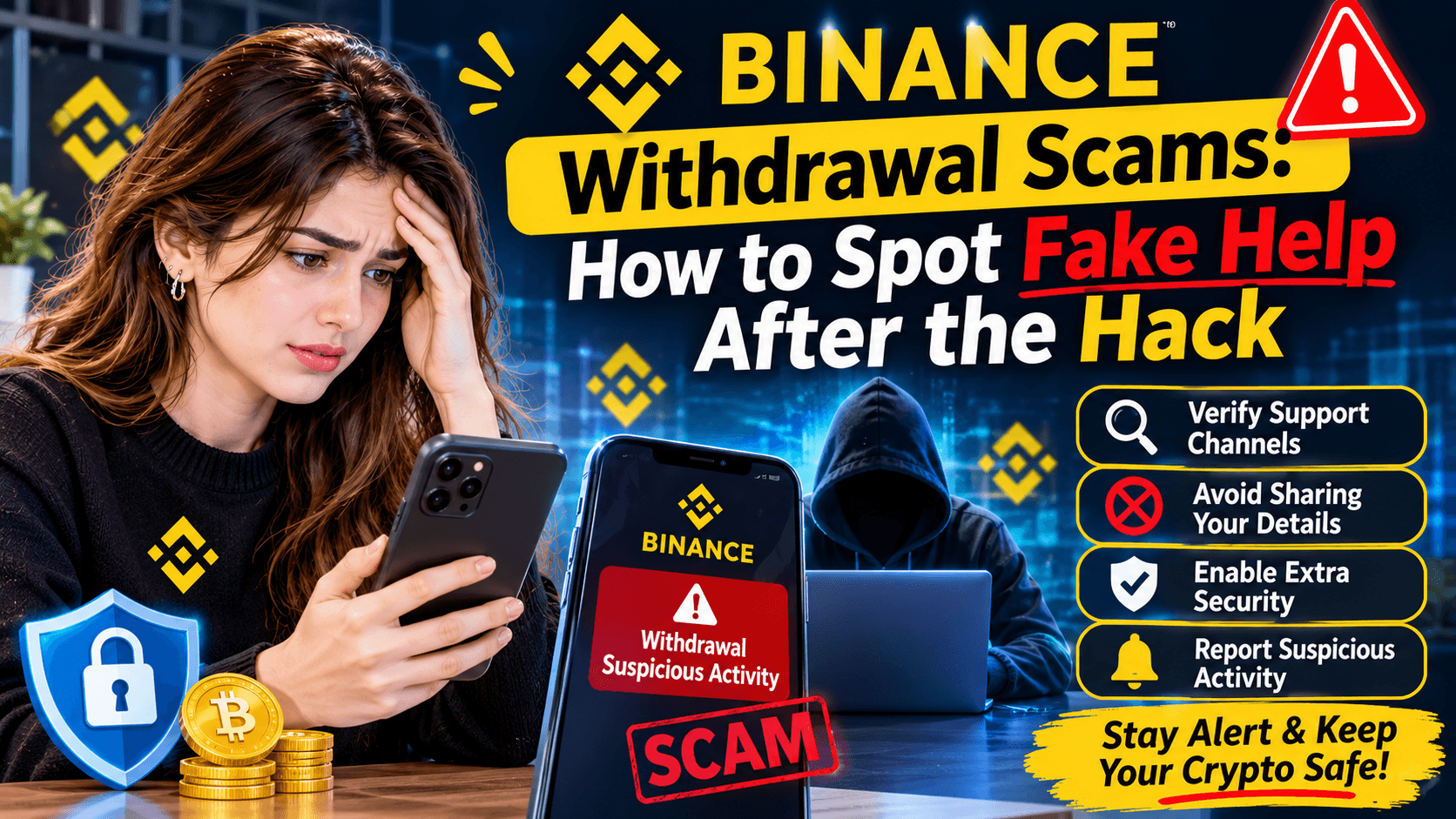
1. “Pay a fee and we will speed up your withdrawal.” Binance said anyone who promises to speed up the process for a fee is trying to scam you. Real withdrawals are not sold as a fast lane.
2. “Claim your compensation here.” Scammers offer fake refunds, compensation claims, or a “Binance vault.” Do not click a claim link sent by email, text, or social media.
3. “I am Binance support, send me your code.” No real support worker will ask for your password, seed phrase, or two-factor code. Never share those, even in a private message that looks official.
4. “Log in through this link, your account will be closed.” Urgent links are a classic trick. The link may look almost right, with one letter changed. Type the address yourself, or use the app you already have.
5. “A famous person or group will double your crypto.” No exchange, celebrity, or support team doubles deposits. If it sounds too good, it is a scam
Safe Checks Before You Click Anything
First, stop and ask: did I ask for this message? If you did not contact support, be very careful with a reply that arrives out of nowhere.
Second, go to the source yourself. Open the Binance app from your phone, or type the official website address yourself. Do not use a link from a message, comment, or group chat.
Third, check the sender slowly. Look at the full email address, username, and website address, letter by letter. Scammers copy logos and colours very well.
Fourth, keep your account locked down. Use a strong, unique password, turn on two-factor authentication in the app, and never paste a seed phrase anywhere online. Our guide on how to protect your crypto from hacks explains these steps in full.
If You Already Clicked or Shared Something
Act fast, and do not panic. Change your password from the official app or website, check your two-factor settings, and look for any new device or withdrawal you did not approve. If you shared a password or code, change it at once and contact official support through the app only. Do not send more money to “fix” the problem, and do not trust a new message that offers to recover what was lost for a fee.
FAQ: Binance Withdrawal Scams
Are all Binance withdrawals open now?
No. Withdrawals reopened in phases from 1 November, with a second phase from 3 November. Access returns asset by asset, so check your own coin and network on the official status page
Will Binance ever ask me to pay to speed up a withdrawal?
No. That is a red flag. Binance warned that anyone promising faster access for a fee is trying to scam you.
What should I do if a message looks real?
Do not click it. Open the official app yourself and check there. If there is a real notice, it will be in the app.
Scammers use rush and fear. Slow down, check the official app, and never share a password, seed phrase, or code.